Artificial intelligence is already embedded in everyday work. People use AI to write emails, summarize documents, prepare presentations, analyze data, and support decisions across nearly every role. Yet despite widespread adoption, many professionals report feeling more distracted, overloaded, and less focused than before.
The problem is not whether AI works, but how AI is used at work. Without structure, boundaries, and human judgment, AI often increases cognitive load instead of reducing it. This guide explains how to use AI at work effectively — through real workflows, realistic expectations, clear limitations, and strong human oversight.
Why Most People Use AI at Work the Wrong Way
When AI is introduced into work environments, it is often treated as a quick productivity fix. Teams expect faster output, fewer decisions, and instant efficiency gains. In reality, AI frequently reshapes workflows in ways that expose weak processes rather than fixing them.
Most problems with AI at work come from misuse, not technology. Treating AI as a shortcut instead of a system leads to shallow results, repeated corrections, and growing decision fatigue.
The copy-paste productivity trap
A common pattern of ineffective AI use is copying tasks into AI, accepting the output at face value, and moving on. While this feels efficient, it removes context, weakens critical thinking, and shifts responsibility away from the human worker.
Productivity is not about speed alone. AI can accelerate tasks, but effectiveness depends on human judgment and verification.
AI as a shortcut vs AI as a system
AI performs poorly when used as a one-off shortcut. It performs significantly better when embedded into a structured workflow with clear roles: where AI assists, where humans decide, and where verification is mandatory.
What “Using AI Effectively at Work” Actually Means
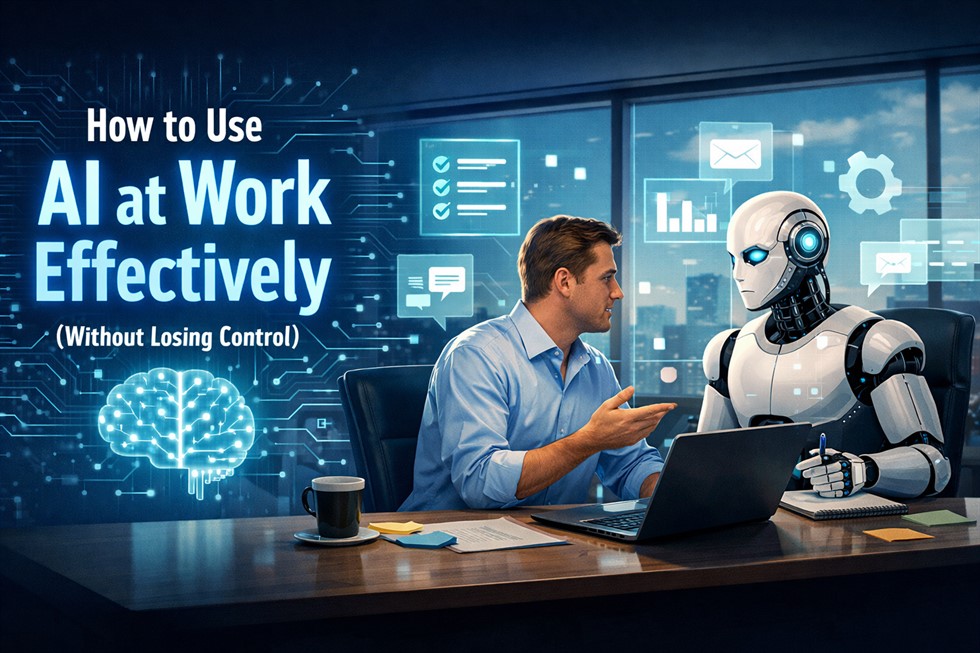
Using AI effectively at work does not mean handing over responsibility or replacing professional judgment. It means designing workflows where AI supports thinking, preparation, and exploration, while humans remain accountable for outcomes.
Professionals who benefit most from AI understand its role clearly. They treat AI as a cognitive assistant that reduces friction in knowledge work, not as an autonomous decision-maker.
AI as a co-worker, not an employee
AI does not understand consequences, risk, or organizational context. It cannot be responsible for decisions. Effective use requires assigning AI a limited, clearly defined role inside the workflow.
Instead of asking AI to write a final report, professionals use it to generate an outline, surface arguments, or draft sections — while retaining full control over conclusions.
The human-in-the-loop principle
In effective AI-supported workflows, AI prepares and suggests, but humans verify, adjust, and decide. This approach reduces errors, improves decision quality, and prevents over-reliance on automated output.
"Help me structure this problem and list possible approaches. Do not make final decisions. Highlight assumptions, risks, and missing information."
Real Examples of Using AI at Work (Without Tool Obsession)
AI effectiveness is driven by tasks and context, not by specific tools. The same AI system can improve productivity or undermine it depending on how it is integrated into daily workflows.
Professionals who succeed with AI focus on repeatable scenarios where AI reduces cognitive friction and administrative load without replacing human judgment.
AI for daily office tasks
AI works best for preparation-heavy tasks such as structuring notes, summarizing background material, organizing information, and generating first drafts. These tasks benefit from speed and clarity, not final authority.
AI for thinking, not answering
One of the most effective uses of AI at work is supporting thinking rather than producing answers. Asking AI to challenge assumptions or explore alternatives strengthens decision-making without outsourcing responsibility.
"What assumptions am I making in this plan? What could go wrong, and what risks or trade-offs am I underestimating?"
Does AI Really Save Time at Work?
Whether AI saves time at work depends on how it is used. In structured workflows, AI can reduce preparation time and mental overhead. In unstructured use, it often creates new delays.
Understanding where AI genuinely saves time — and where it quietly wastes it — is essential for sustainable productivity.
Where AI saves time
AI excels at repetitive cognitive tasks, early-stage drafting, background research, and information organization, especially when perfection is not required immediately.
Where AI wastes time
AI becomes inefficient when users chase perfect outputs, over-iterate prompts, or rely on AI for decisions that require human context, accountability, and judgment.
Use AI to reach the first 60–70% of a result, then let humans finalize and decide.
AI Mistakes at Work Nobody Talks About
AI rarely fails in obvious ways. Its most dangerous mistakes appear confident, structured, and professional, which makes them harder to question.
Recognizing these failure patterns is critical for safe AI use in real work environments.
Research tasks require stricter verification than most workflows. A dedicated research framework is covered in How to Use AI for Research Without Getting Hallucinations.
Confident wrong answers
When context is missing, AI often fills gaps with plausible but incorrect information. This is especially risky in documentation, planning, and communication.
False completeness
Well-structured AI output can create the illusion that a problem is fully solved, even when important uncertainties remain unaddressed.
When You Should NOT Use AI at Work
Effective AI use includes knowing when not to use it. Certain situations require human judgment, accountability, and ethical responsibility that AI cannot provide.
High-stakes decisions
AI should not be used to make final decisions in legal, financial, or reputational matters where consequences must be explained and defended.
If a decision requires accountability, AI can only play a supporting role.
Which AI Tools Actually Help at Work — And How
Not all AI tools are equally useful for real work. The most effective tools support thinking, writing, and organization rather than automation for its own sake.
- ChatGPT — drafting content, structuring ideas, challenging assumptions, preparing first versions.
- Claude — working with long documents, careful summaries, and reasoning-heavy tasks.
- Notion AI — internal documentation, task structuring, and knowledge organization.
- Perplexity — research with sources, background exploration, and fact-checking.
Choose AI tools based on task type and workflow fit, not popularity.
Final Thought: AI Works Only If Humans Stay in Control
AI does not replace work — it reshapes how thinking and decisions happen. Used without boundaries, it increases noise, fatigue, and dependency. Used intentionally, it amplifies human judgment and reduces friction.
The most effective professionals are not those who use AI the most, but those who use it deliberately, critically, and responsibly.
Frequently Asked Questions (FAQ)
Does AI really make people more productive at work?
AI improves productivity only when used as part of a structured workflow. Without boundaries, it often increases cognitive load instead of reducing it.
Can AI replace human decision-making at work?
No. AI lacks accountability, context awareness, and ethical judgment. Humans must remain responsible for final decisions.
What are the main risks of using AI at work?
The main risks include false confidence, hidden errors, over-reliance, and reduced critical thinking.
When should AI not be used at work?
AI should be avoided in high-stakes legal, financial, or reputational decisions where accountability and explanation are required.