
How to Write Difficult Workplace Emails With AI: Delays, Problems, and Bad News
AI can help you write difficult workplace emails without hiding the problem or making the message sound cold. This guide shows how to handle delays, mistakes, bad news, and other uncomfortable situations with practical prompts, real email examples, and a final human review process.

How to Write Follow-Up Emails With ChatGPT After No Response
No reply to an important email? Learn how to use ChatGPT to write a concise, professional follow-up without sounding pushy. This guide includes practical prompts, timing rules, subject lines, and real examples for clients, coworkers, recruiters, and sales conversations.

How to Rewrite an Email With ChatGPT for Tone Without Changing Its Meaning
Learn how to use ChatGPT as an email editor: change warmth, formality, confidence, or directness while preserving the facts, requests, deadlines, commitments, and intended meaning of your original message.

How to Use ChatGPT to Reply to an Email Without Sounding Robotic
Use ChatGPT to draft faster email replies without the stiff, generic AI tone. This guide shows a practical workflow, natural-sounding prompts, real work examples, privacy limits, and a final human review checklist.

50 ChatGPT Prompts for Work Emails: Replies, Follow-Ups, Requests, and Updates
Use these 50 ChatGPT prompts to draft clearer work emails faster—from replies and follow-ups to requests, status updates, difficult messages, and everyday professional communication.

How to Write a Professional Email With ChatGPT: 7 Real Work Examples
Use ChatGPT to draft professional work emails without sounding generic. This guide shows 7 realistic workplace examples, copy-ready prompts, tone adjustments, and a simple review process before you send.

AI-Generated Communication Risks in Teams: Real Workplace Failures and How to Avoid Them
AI tools can draft emails and messages instantly, but automated communication inside teams carries serious risks — tone distortion, incorrect assumptions, confidentiality leaks, and reputational damage. This guide explains real AI communication failures and how to use AI safely in workplace messaging.
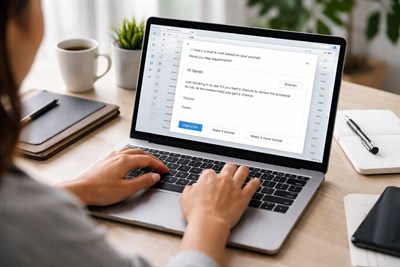
Using AI for Professional Email Without Losing Tone: Practical Prompts and Workflow
Using AI to write professional email can save time — but many people worry about losing their tone or sounding robotic. This guide explains how to use AI to draft, edit, and refine professional emails while preserving voice, context, and responsibility.